
How to reserve multiple usernames on WhatsApp?
Start by creating your GetCode account. Once you are logged in, select WhatsApp as the service and choose the country you want. GetCode will provide an available number that you can use during WhatsApp registration.
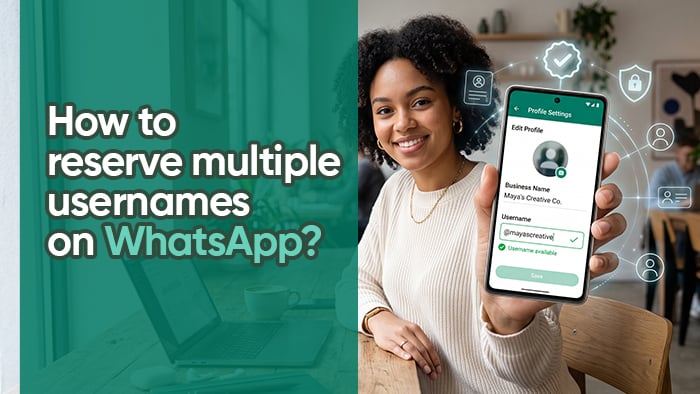
WhatsApp usernames make it easier to share an account without giving out a phone number. Whether you want to secure a personal handle, creator name, community page, future project, or brand idea, reserving the right username early can help protect your online identity.
To reserve multiple usernames on WhatsApp, you need a separate WhatsApp account for each username. Every account requires its own phone number for verification. GetCode makes this setup process simple by providing verification numbers for supported services.
Start by creating your GetCode account. Once you are logged in, select WhatsApp as the service and choose the country you want. GetCode will provide an available number that you can use during WhatsApp registration.
Open WhatsApp, enter the number you received from GetCode, and request the verification code. Return to GetCode to receive your WhatsApp OTP, then enter the code in WhatsApp to complete the registration process.
After your account is ready, open WhatsApp Settings, go to Account, and select Username when the feature is available. Choose the username you want to reserve and confirm it. Short, memorable usernames are usually the most valuable, especially names connected to your personal profile, creator account, project, or future business idea.
For example, you may want to reserve usernames such as @novastudio, @novaapp, @novacommunity, or @novahq. If your first choice is unavailable, try clean alternatives such as adding “app,” “studio,” “hq,” “official,” or “community.”
Repeat the same process with a separate GetCode number and WhatsApp account for each additional username you want to secure. This allows you to organize different usernames for different projects or online identities.
Before reserving a username, check whether the same handle is available on Instagram, TikTok, Telegram, YouTube, and your website domain. Consistent usernames make your profile easier to recognize, share, and remember across every platform.
Create your GetCode account, receive your WhatsApp verification code, and reserve the usernames that matter to you before they are taken. Username availability may vary by country, account, and WhatsApp app version. Always use WhatsApp accounts in line with the platform’s current rules and policies.